Jump to section
An old laptop sitting in a closet isn't just clutter, it's a data risk. Photos, saved passwords, tax documents, and old work files all live on that drive until someone wipes it clean. Knowing how to dispose of old laptop or computer hardware the right way protects your identity first and keeps a chunk of e-waste out of the landfill second. Here's the step-by-step process, from backing up your files to picking a recycler that actually recycles.
Key takeaways
- Back up anything you want to keep before you touch the reset button.
- Sign out of every account tied to the machine, including cloud storage and browsers.
- A factory reset alone does not erase a hard drive. You need a real wipe or physical destruction.
- Manufacturer take-back programs, Best Buy, and local e-waste events all accept old computers, often free.
- Certified electronics recyclers guarantee the drive gets destroyed or wiped to a documented standard.
How to Wipe a Hard Drive Before You Dispose of an Old Laptop
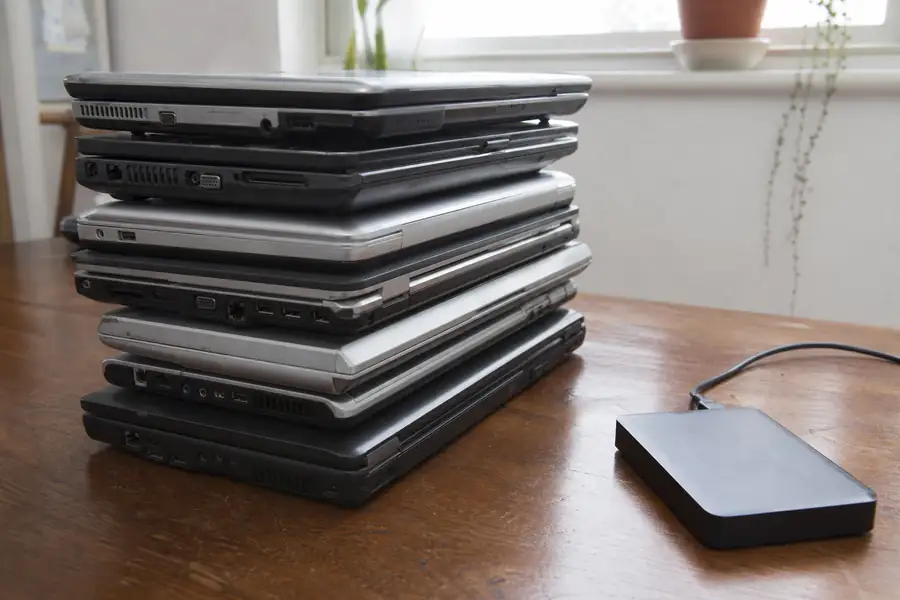
Wiping a hard drive before recycling means overwriting or destroying the data so it cannot be recovered, not just deleting files or restoring factory settings. A regular delete or factory reset removes the file pointers but leaves the actual data recoverable with basic software. Follow these steps in order.
- Back up what matters. Copy photos, documents, and any licensed software keys to an external drive or cloud account before you do anything else.
- Sign out and de-authorize. Log out of iCloud, Google, Microsoft, antivirus licenses, and any subscription software tied to that specific machine.
- Run a full factory reset first. This clears personal settings and accounts, but treat it as step one, not the finish line.
- Wipe the drive itself. Use a dedicated disk-wiping tool (built into most operating systems, or a free utility like DBAN for older PCs) that overwrites the drive rather than just deleting the file table. This lines up with the sanitization approach the National Institute of Standards and Technology lays out for retired electronics: clear the data with software, or physically destroy the drive if the software wipe isn't practical.
- Physically destroy the drive if you're not confident it wiped clean. Removing and shredding or drilling through a hard drive platter is the only 100% guarantee for a drive holding sensitive financial or business data.
Solid-state drives (SSDs) need a manufacturer-specific secure erase tool rather than a standard overwrite, since SSDs manage data differently than spinning hard drives. If you're not sure which type your laptop has, check the specs before you assume a basic wipe worked.
Where to Recycle an Old Laptop or Computer
Once the drive is wiped, several legitimate options exist for old computer disposal, and none of them should involve the regular trash. Electronics contain lead, mercury, and lithium that leach out of landfills, which is why most states restrict tossing computers with household garbage.
| Option | Typical cost | Best for |
|---|---|---|
| Manufacturer take-back | Free, sometimes a shipping fee | Working or broken laptops from that brand |
| Best Buy drop-off | Free for most items | Single laptops, monitors, cables |
| Local e-waste event | Free, seasonal | Batch disposal of multiple old devices |
| Certified e-waste recycler | Free to modest fee by volume | Bulk pickup, documented data destruction |
Manufacturer take-back programs (Apple, Dell, HP, and others all run one) accept old machines regardless of condition and route them into certified recycling streams. Best Buy takes most laptops and desktops at its in-store kiosks at no charge. Local e-waste collection events, often run by a county or city a few times a year, are worth checking if you have more than one device to clear out. If your laptop is bundled with an old TV, monitor, or other electronics, our guide on how to dispose of a TV covers the same landfill-diversion logic for larger screens.
What to Do with Multiple Computers or an Office Cleanout
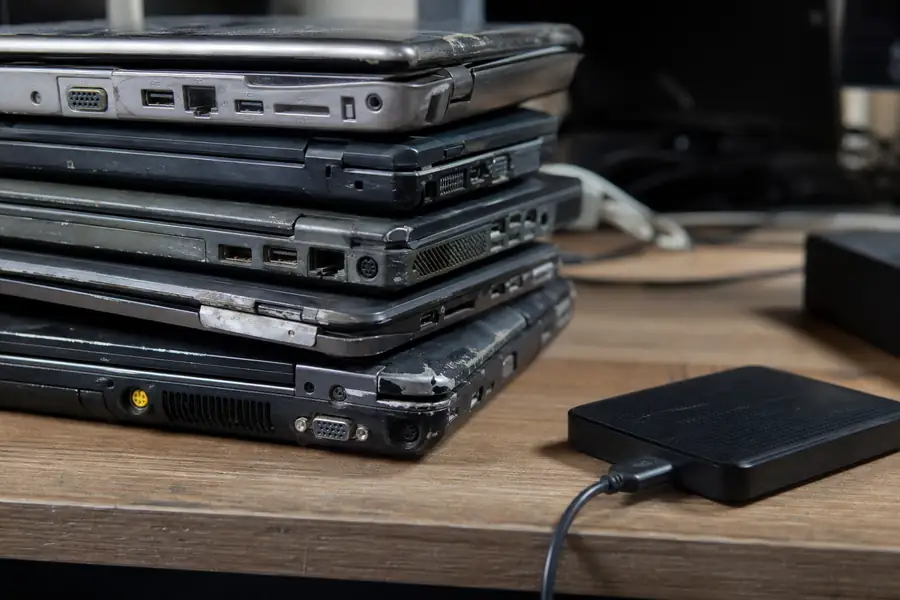
A single laptop is a quick trip to Best Buy or a mail-back box. A stack of old desktops, monitors, and servers from an office cleanout is a different job. That volume of electronics needs pickup, sorting, and documented disposal, not a single drop-off run.
Junk Rhinos handles exactly this through Electronics & E-Waste Recycling, pulling working parts for donation and routing the rest to certified recyclers so drives get properly destroyed and materials stay out of the landfill. Our crews price the job by how much space the electronics take up in the truck, not by guesswork, and confirm that figure on-site before anything gets loaded. If you're clearing out a home office, a garage full of old tech, or a business upgrading its whole fleet of computers, you can get a free estimate and skip the trips to the recycling center entirely.
Frequently asked questions
Is a factory reset enough before I dispose of an old laptop?
No. A factory reset clears your accounts and settings but leaves the underlying data recoverable with basic recovery software. You need a dedicated disk-wipe tool, a manufacturer secure erase for SSDs, or physical destruction of the drive to be sure the data is actually gone.
Can I just throw an old computer in the trash?
Most states restrict or ban putting computers and other electronics in household trash because of the lead, mercury, and lithium inside them. Manufacturer take-back programs, Best Buy, local e-waste events, and certified recyclers all offer free or low-cost alternatives.
Does Best Buy really take old laptops for free?
Yes, Best Buy accepts most laptops, desktops, and related electronics at its in-store recycling kiosks at no charge, regardless of where you bought the machine. Very large quantities or business fleets are usually better suited to a dedicated e-waste pickup service instead.
What happens to my laptop after it's recycled?
Certified recyclers destroy or wipe the drive to remove your data, then break the machine down for parts: metals, plastics, and glass get separated and sent to material recovery streams, while any still-working components may be refurbished and resold or donated.
What's the difference between wiping a hard drive and wiping an SSD?
A standard overwrite wipe works on traditional spinning hard drives, but solid-state drives store data differently and need a manufacturer-specific secure erase tool to fully clear. Using the wrong method on an SSD can leave recoverable data behind even after the drive appears empty.